Bluetooth ConnectionUpdated 2 months ago
1. Turn on Bluetooth in your device settings. 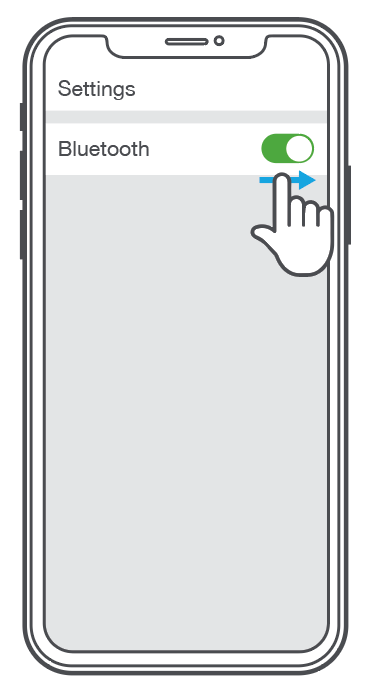
2. Press and hold button for 5+ seconds. Release. Lights will flash blue/red. 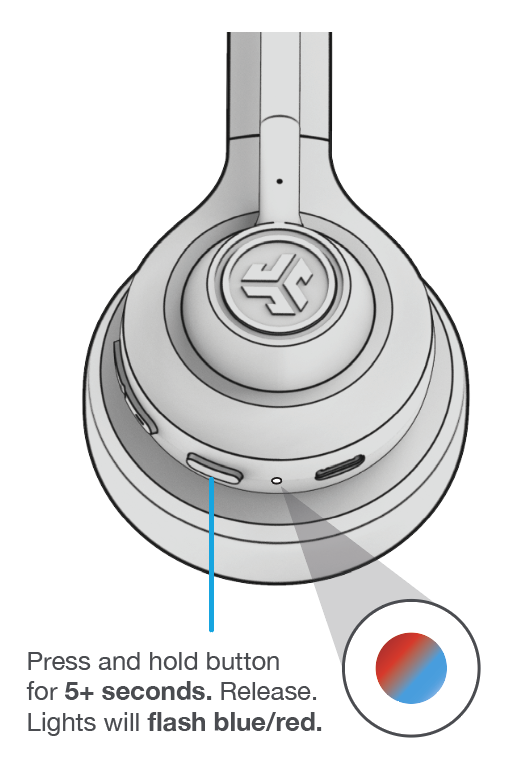
3. Select “JLab GO Work 2” in your device settings to connect.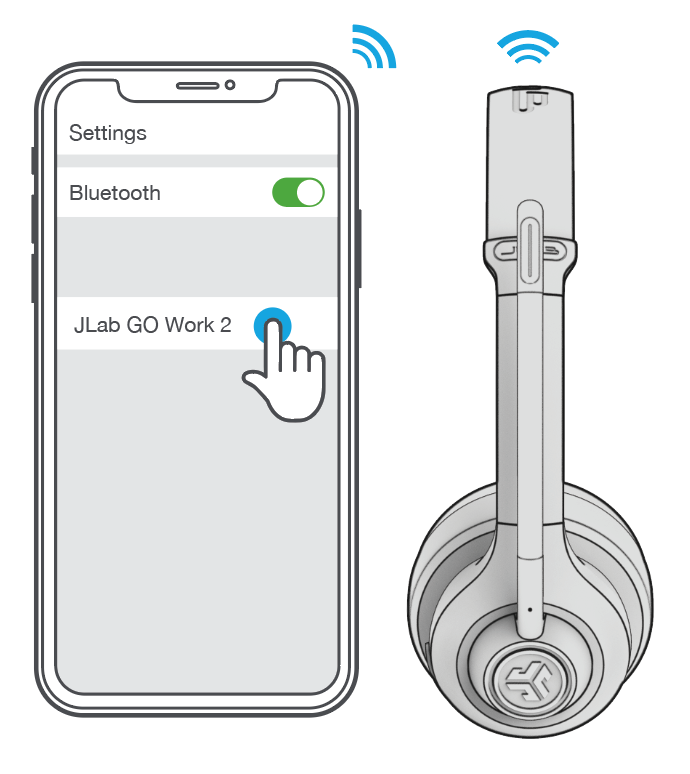

1. Turn on Bluetooth in your device settings.
2. Press and hold button for 5+ seconds. Release. Lights will flash blue/red.
3. Select “JLab GO Work 2” in your device settings to connect.